
Built by the studio
Apps from LearnHubPlay
LearnHubPlay is a small software studio in Amsterdam. Besides the guides, we build the apps below: browser extensions, a web app, a recording workspace, two Mac apps, and one experimental agent that is offline for now. They came out of problems we ran into in our own work, which is also where the guides come from.
How the apps and the guides fit together
The guides come first. They cover methods that work with any software: the settings built into your browser or Mac, pen and paper, other people’s apps. We mention our own apps only where one is relevant to the point being made, we say that we build it, and no method depends on it. Every guide stands on its own without any app on this page. Each app is linked to the topic it relates to, so you can read the background before deciding whether you want the software.
What the status labels mean
Each card carries a label for where the app stands today, so you know what you will find before you click.
- Available and Free download mean you can use the app today.
- Founding betameans an early release. TechCast Studio’s desktop app currently targets Apple Silicon Macs, and its public download opens after signing, notarization, and release checks pass.
- Offline means the app is not available. DocPod is an experiment we are reworking, so its card links to the guide about it instead of to a product.
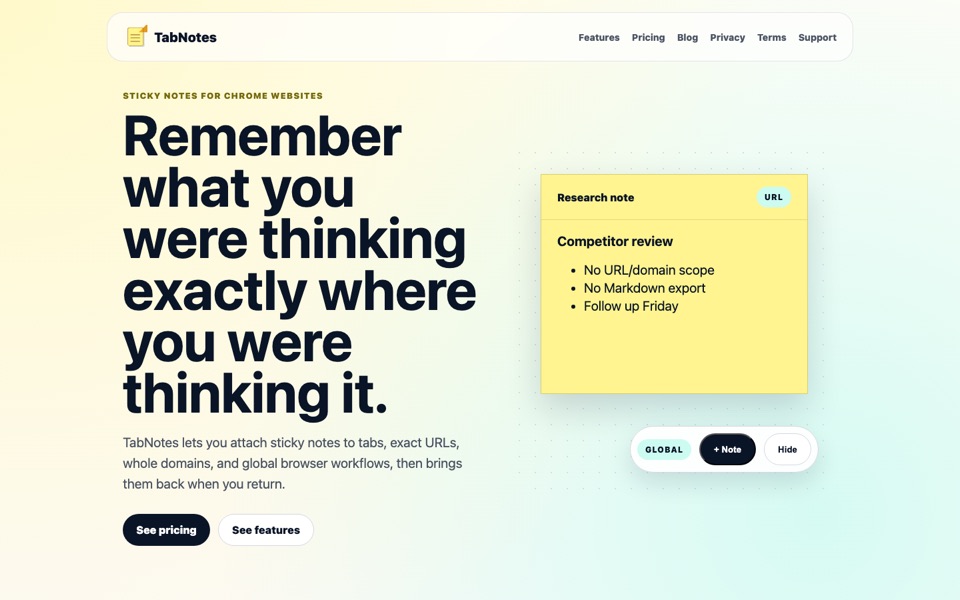
TabNotes
Sticky notes that attach to a tab, an exact URL, a whole domain, or every page — and come back when you return.
- Tab, exact-URL, domain, and global note scopes
- Markdown, checklists, tags, templates, and reminders
- Save highlights and screenshots, with OCR text from images
- Export as JSON, Markdown, CSV, HTML, or PDF
- Notes stay local by default; AI features use your own key
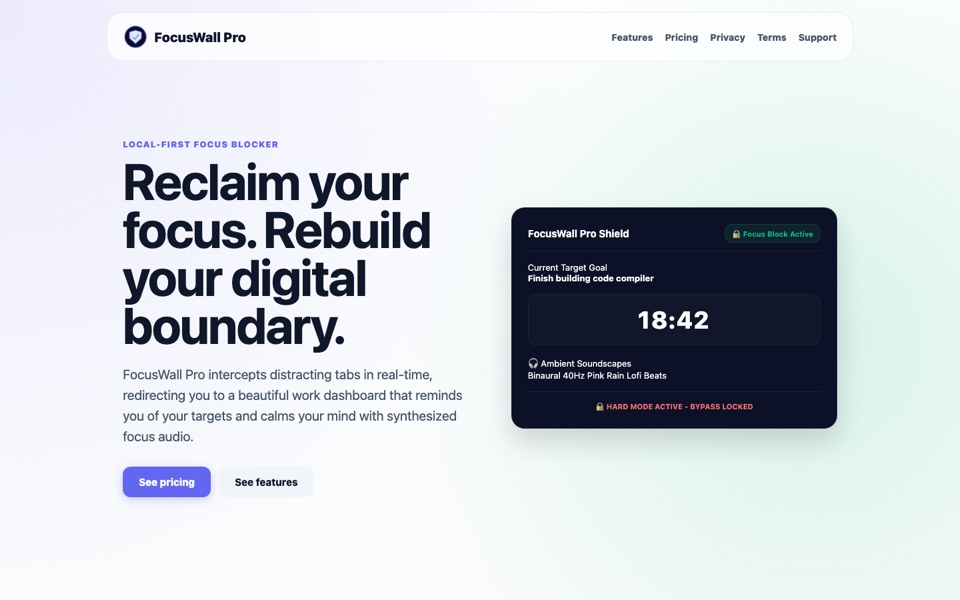
FocusWall Pro
A distraction blocker built on graduated friction instead of all-or-nothing bans, with a private log of every bypass.
- Five friction levels: soft confirmation, 10-second wait, written justification, math challenge, or a hard lock
- A private local ledger of bypass justifications
- Scheduled focus sessions that start and stop automatically
- Sweeps already-open distracting tabs when a session starts
- Locally synthesized focus audio; no account required
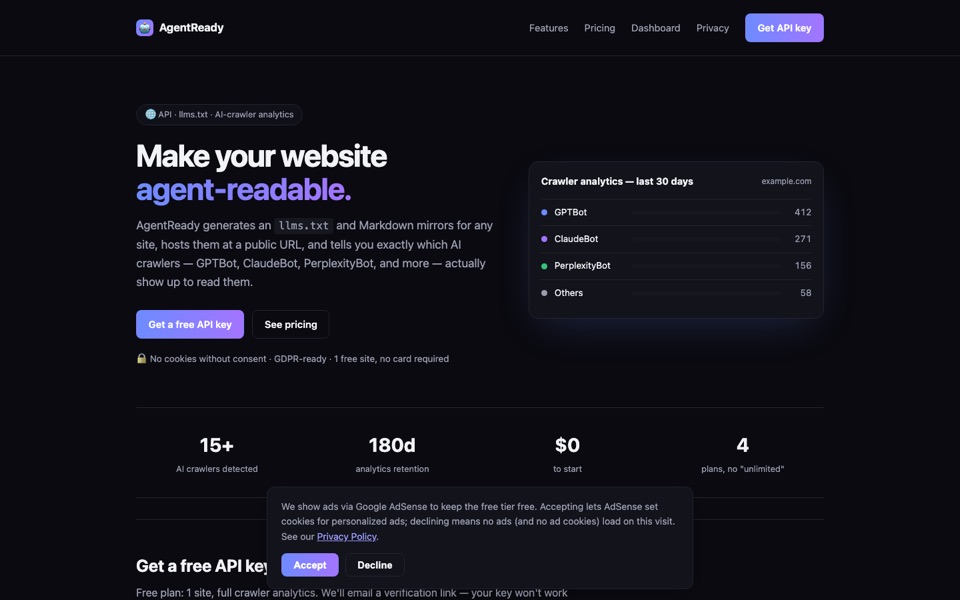
AgentReady
Generates an llms.txt and clean Markdown mirrors for a website, hosts them, and shows which AI crawlers actually fetch them.
- llms.txt generated from your sitemap or homepage
- Markdown mirrors of every page, without navigation chrome or scripts
- Per-bot, per-day logs of GPTBot, ClaudeBot, PerplexityBot and other AI crawlers
- Free plan for one site
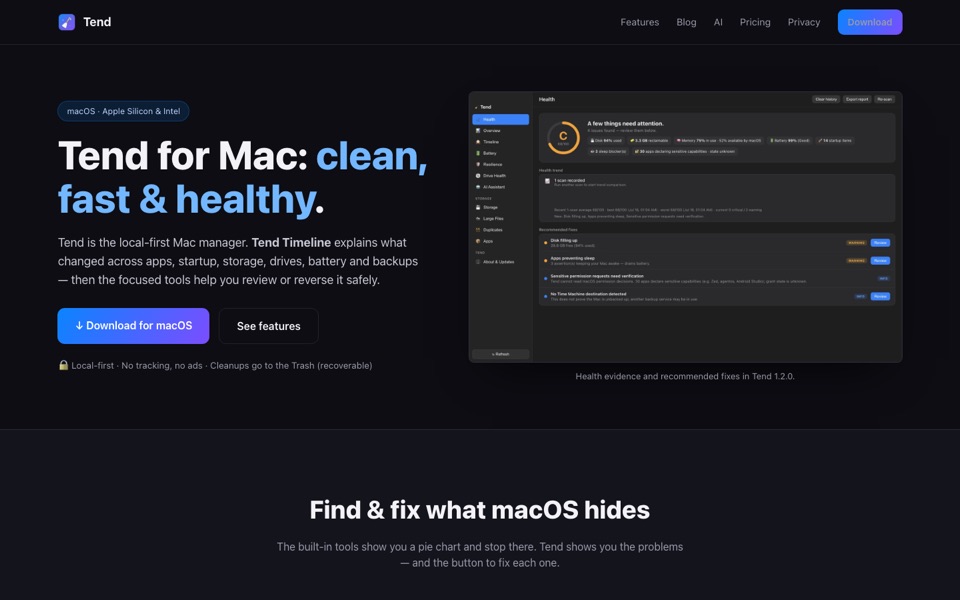
Tend
A free, local-first Mac manager whose Timeline explains what changed across apps, startup items, storage, drives, battery, and backups.
- Health score with a step-by-step maintenance plan
- Storage explorer and cleanups that go to the Trash
- Background and login item review
- Battery, drive health, and Time Machine freshness checks
- No account, analytics, or tracking
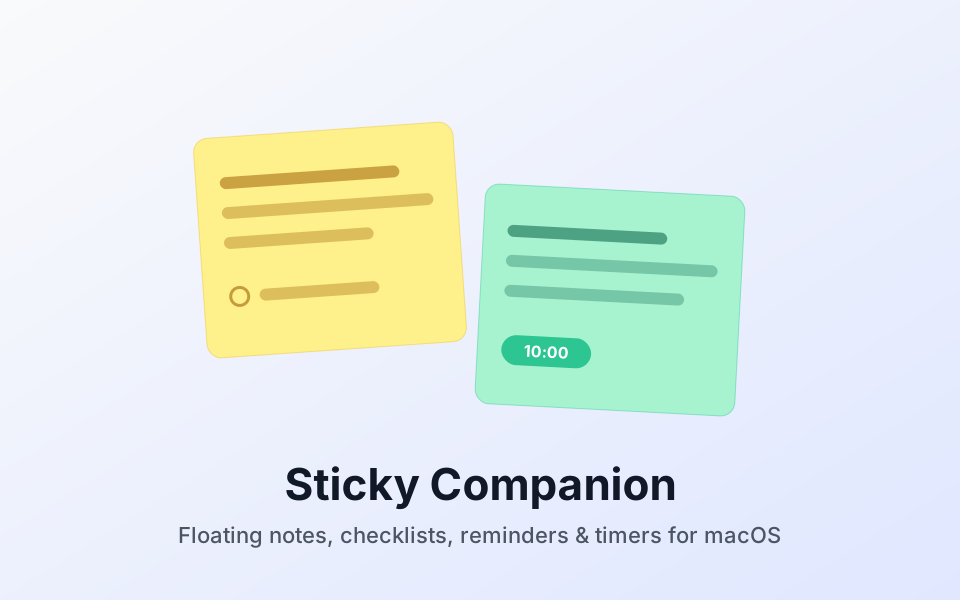
Sticky Companion
Floating sticky notes for the Mac desktop, with checklists, reminders, timers, search, and local-first storage.
- Floating notes you can drag, resize, and theme
- Checklists, reminders, and timers
- Search, export, and image paste
- Privacy mode hides selected notes from screen sharing and recording
- Notes are stored locally on your Mac
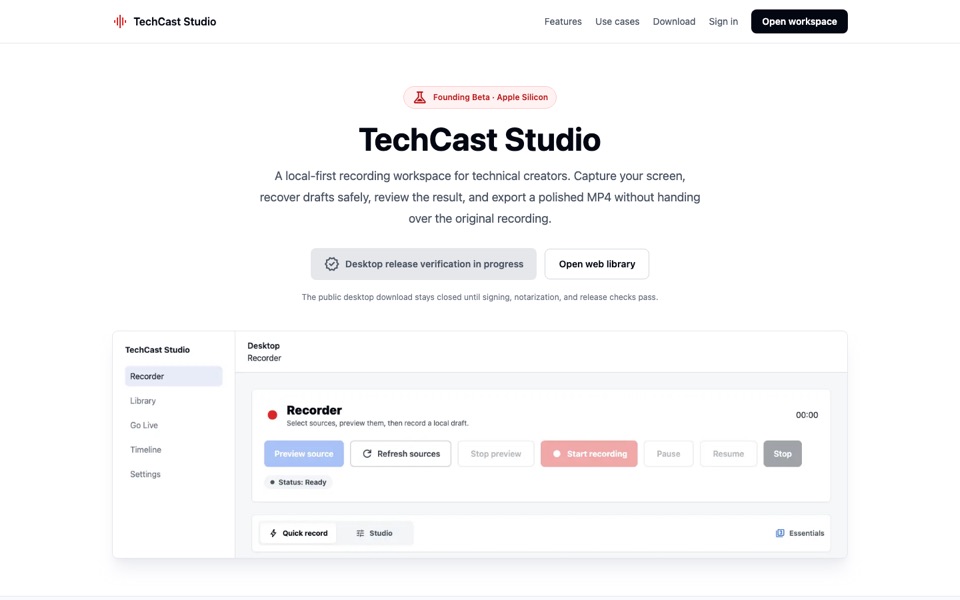
TechCast Studio
A local-first recording workspace for technical creators: capture, recover, review, and export without handing over the original recording.
- Screen, microphone, and optional camera capture
- Crash-safe drafts checkpointed to local disk
- Trim, silence review, blur, Smart Zoom, and privacy checks
- Local 720p or 1080p MP4 export
DocPod
An experimental learning agent that turned policy documents into two-host audio episodes with comprehension quizzes.
DocPod is not available to use right now. The linked guide explains what it did.
- Document-to-dialogue audio episodes
- Scenario quizzes after each episode
- Completion tracking for training programmes
Questions about an app? See the contact page. To learn how we decide what to publish and how we mention these apps, read the editorial policy.